Quick Install
Choose an operating system, use common defaults, and confirm the plan.
EQPANEL · SERVER MANAGEMENT & AUTOMATION
Reinstall operating systems, monitor traffic and hardware, manage access, and recover your EqServers dedicated servers through EqPanel.
ONE CONTROL CENTER
Keep every action tied to the correct dedicated server service.
GUIDED SERVER DEPLOYMENT
Choose the speed of Quick Install or the control of a guided Custom Install. The tour illustrates its configuration workflow and example operation states.
Reinstallation can erase data on the selected disks. Back up required data before proceeding.
Choose an operating system, use common defaults, and confirm the plan.

Configure the operating system, access, disks, presets, and software RAID.
CUSTOM INSTALL: FROM SETUP TO COMPLETION
Select a supported operating system or virtualization platform.

Select a supported operating system or virtualization platform.
Add a compatible control panel or continue without one.

Apply an available security or core-services preset.

Install an available OpenVPN or WireGuard preset on your server.

Set hostname, timezone, disks, SSH keys, partitioning, and software RAID.

Confirm the complete deployment plan before installation.

See an example running reinstall with the current task, completion percentage, status, and latest update.

See an example completed reinstall with the available access summary and rebuilt-server credentials.

EVERYDAY SERVER OPERATIONS
Switch between traffic, hardware, credentials, and reverse DNS without leaving the selected server service.
Review current and historical traffic, usage totals, quotas, and bandwidth measurement data.

Review current and historical traffic, usage totals, quotas, and bandwidth measurement data.
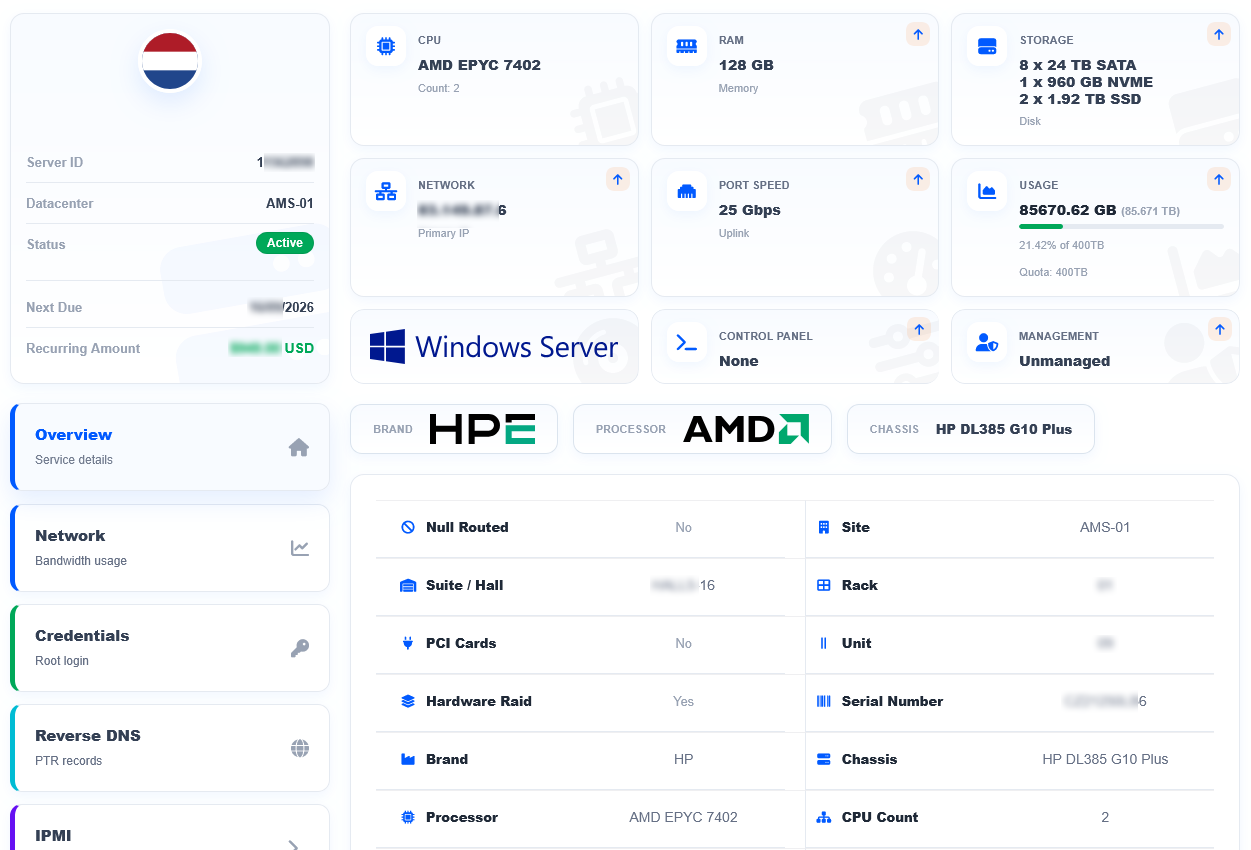
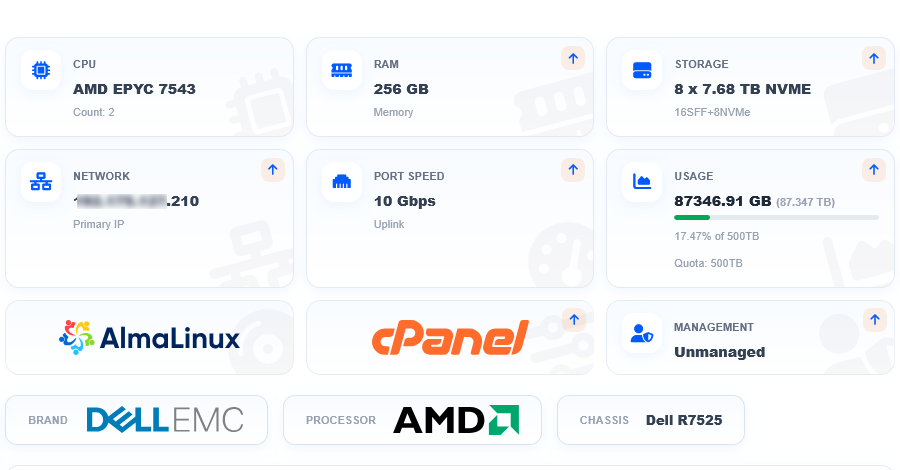
Inspect CPU, memory, storage, network interfaces, and available sensors.

Keep operating system, rescue, VPN, and remote-management credentials attached to the correct service.

Create or update PTR records directly from the dedicated server service.

Review current and historical traffic, usage totals, quotas, and bandwidth measurement data.
View Screenshot
Review current and historical traffic, usage totals, quotas, and bandwidth measurement data.
Inspect CPU, memory, storage, network interfaces, and available sensors.
Keep operating system, rescue, VPN, and remote-management credentials attached to the correct service.
Create or update PTR records directly from the dedicated server service.
OUT-OF-BAND CONTROL
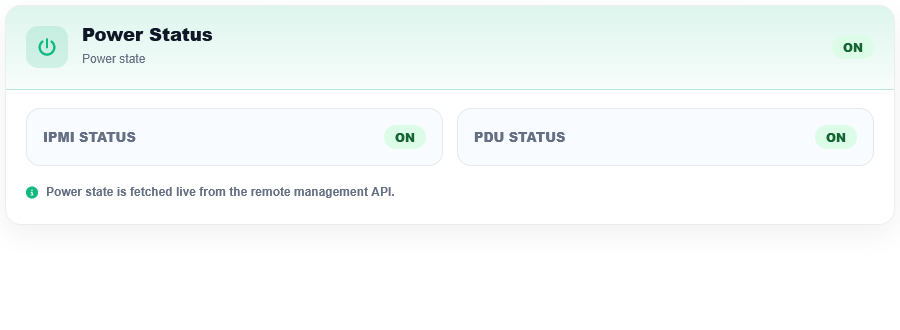
Use available out-of-band controls when normal operating-system access is unavailable.
IPMI/KVM is a paid add-on on monthly billing and is included with prepaid terms of three months or longer.
AUTOMATION WITH EXPERT SUPPORT
Use EqPanel for supported routine server operations and bring in EqServers for infrastructure, hardware, network, datacenter, and complex technical escalation. Ongoing operating-system, application, hosting-account, control-panel, and third-party software administration is not included unless separately agreed.
FREQUENTLY ASKED QUESTIONS
Technical details, limits, and service terms for EqPanel.
Ask a different questionEqPanel is the EqServers client-area interface for managing and automating dedicated server services.
Yes. Core EqPanel access is included with every EqServers dedicated server at no additional charge. IPMI/KVM follows separate commercial terms.
Yes. Supported operating system reinstallations can be started directly through EqPanel. Reinstallation is destructive and can erase data on the disks selected for the installation or software RAID configuration, so review the complete deployment plan before authorization.
Quick Install uses common defaults for faster deployment. Custom Install adds guided control over the operating system, compatible panel, access, disks, presets, and software RAID.
No. Available choices depend on the server hardware, disk layout, selected operating system, licensing, and compatibility. EqPanel displays the options available for the selected server and deployment configuration.
EqPanel manages the dedicated server service and infrastructure lifecycle. cPanel and Plesk manage websites and hosting services inside the installed operating system.
EqPanel provides traffic and hardware visibility for dedicated server services, including incoming and outgoing usage, quota information, historical periods, hardware records, network interfaces, storage devices, and available sensor information. Applicable 95th-percentile details depend on the server’s bandwidth configuration.
Yes. EqPanel displays the remote-management details, required VPN profiles, and the link to the server’s IPMI or KVM interface. After connecting to the required remote-management VPN, the interface is accessed through its private IP address. IPMI/KVM is a paid add-on on monthly billing and is included with prepaid terms of three months or longer.
The Custom Install workflow allows customers to select software RAID options based on the disk and operating system configuration. Hardware RAID configuration is separate and depends on the server’s physical RAID controller and service setup.
Yes. You can create or update supported PTR records directly from the relevant dedicated server service.
EqPanel shows the operation type, status, progress, current task, and recent activity for supported server jobs. When a reinstall completes, EqPanel displays the completion summary and available access information. Cancellation is available only for supported running operations when the workflow allows it.
No. EqPanel provides direct access to supported routine server actions. EqServers continues to handle hardware, network, datacenter, migration, commercial, and complex technical requests.
DEDICATED INFRASTRUCTURE + EQPANEL
Choose dedicated infrastructure with EqPanel included from the start.
Already a customer? Open EqPanel